Every proven setting, right where your sample is.
CAMlog.io is one precise workshop logbook for prints and laser jobs: real settings, real results, imported job files and QR-tagged samples you can scan at the bench.
Your logbook starts empty and private. Add example records only if you want a tour.
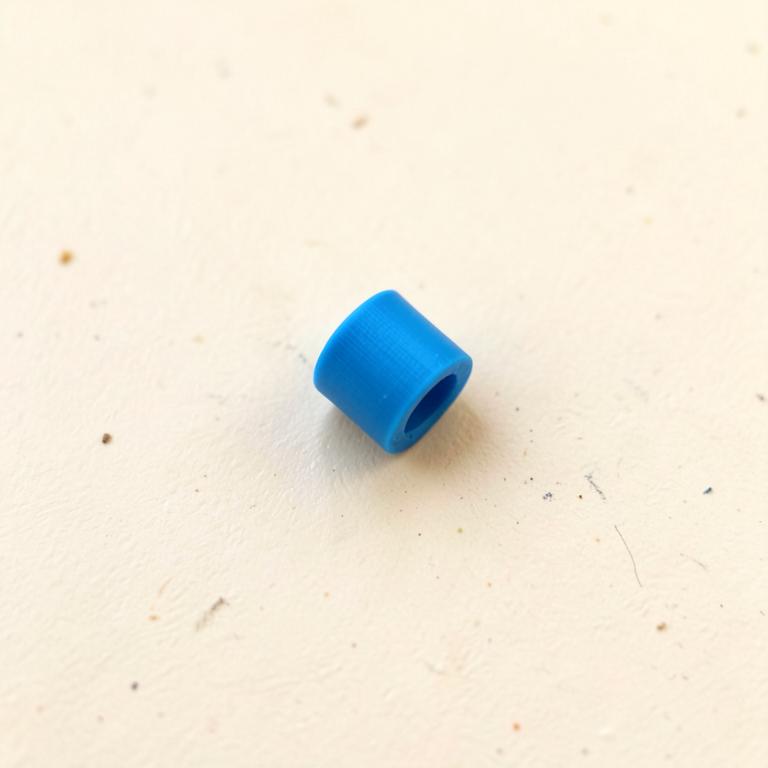
215 °C
Nozzle
0.16 mm
Layer
CAM-7Q2F4A
Sample
Built for the bench, not the desk
Log print and laser runs together
Nozzle and bed temperatures, layer height, speed, power, passes — every setting that produced a good part, kept beside the photo of that part.
Import the job file itself
Drop in the file you actually cut or printed. CAMlog.io reads what it can, shows you what it found, and never fills in anything it had to guess.
Scan a QR-tagged sample
Stick a code on the test piece. Scan it at the bench months later and the exact settings behind it come straight back.
Three steps, every job
- 1Log or import a runStart from a blank run sheet, or upload the job file and edit what was detected.
- 2Tag the physical samplePrint a small QR label and stick it on the part, offcut or test coupon.
- 3Scan it whenever you need itPoint your phone at the label to reopen the run, machine, material and result.
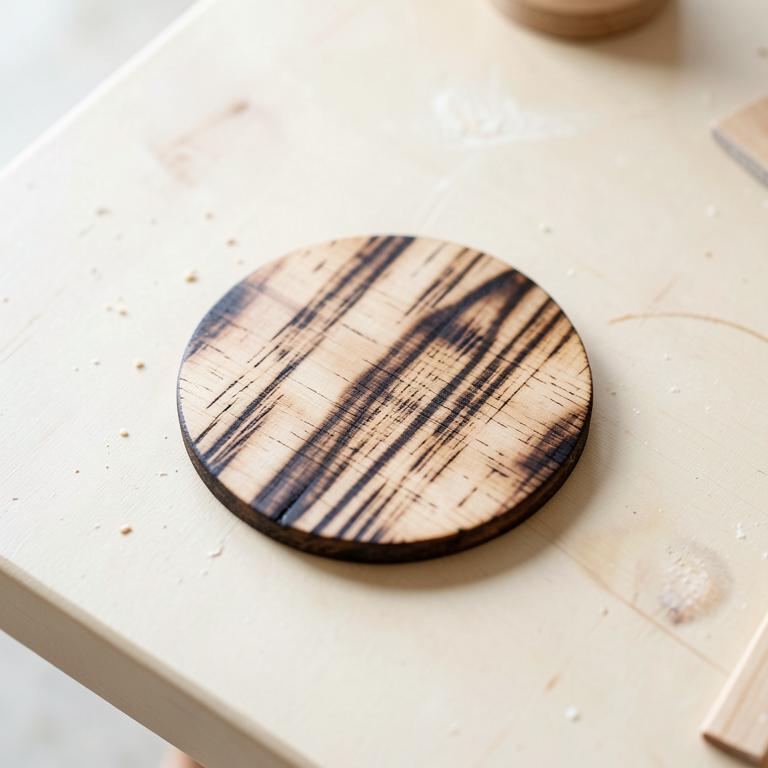
Job files it reads today
Upload the original file. CAMlog.io stores it privately with the run and pulls out the settings it can read, clearly separated from the values only you can confirm.
G-code
.gcode
Slicer, printer profile, temperatures, layer height, speed, infill, estimates.
3MF
.3mf
Title, author, dates, source application and model details.
LightBurn
.lbrn / .lbrn2
Per-layer speed, power, operation type, passes and interval.
STL, SVG and DXF are on the way.
Your workshop, yours alone
Runs, samples and uploaded job files are locked to your account at the database level, not just hidden in the interface. Files live in private storage, there is no public sharing, and scanning someone else's code shows you nothing at all.
Private by default, in v1 and after.